
1
Place It
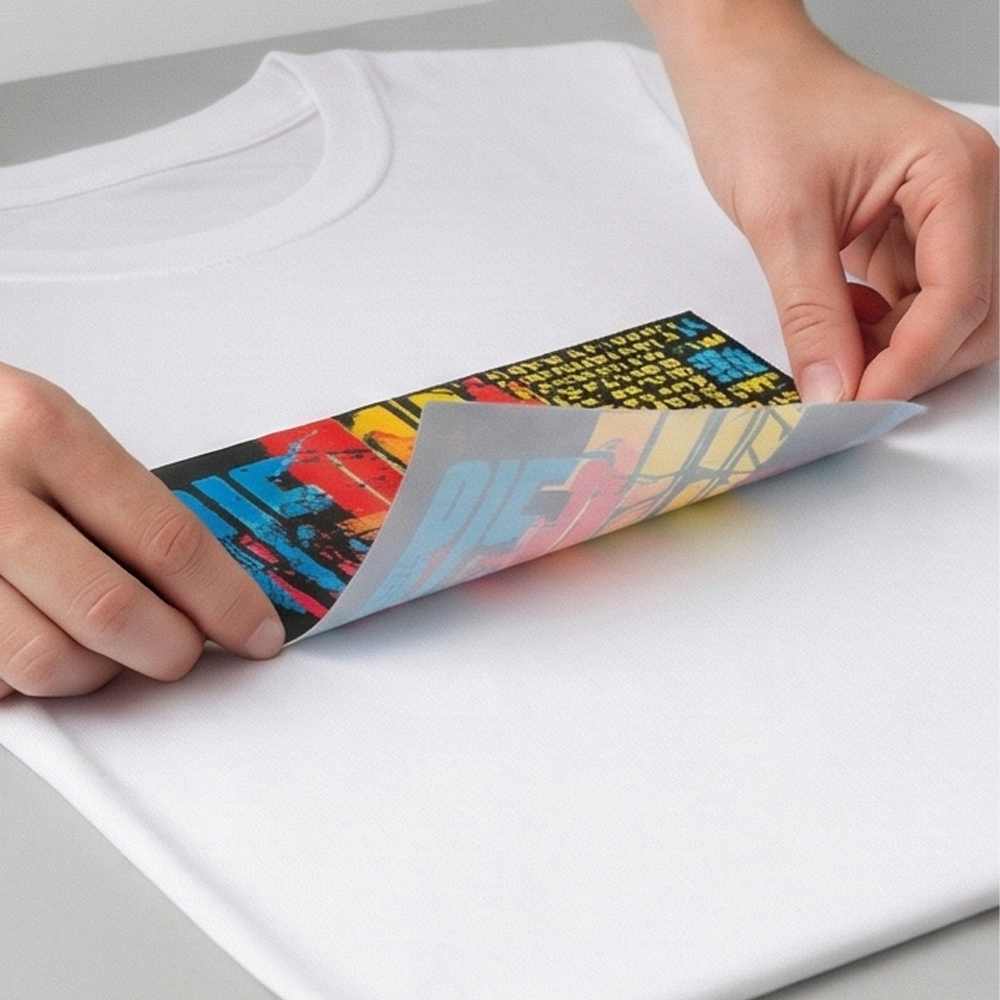
Lay the garment flat and smooth out any wrinkles. Position the transfer design-up, straight and centered.
How To Use
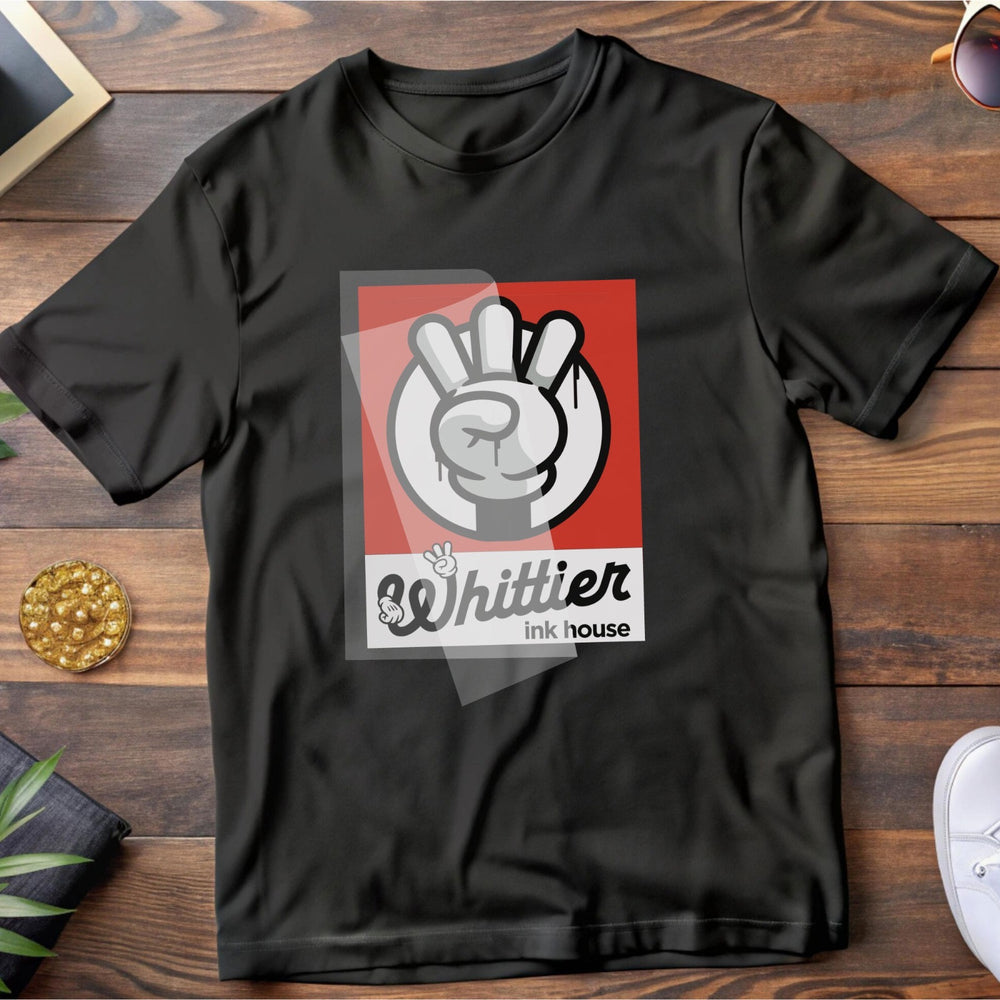
Lay the garment flat and smooth out any wrinkles. Position the transfer design-up, straight and centered.
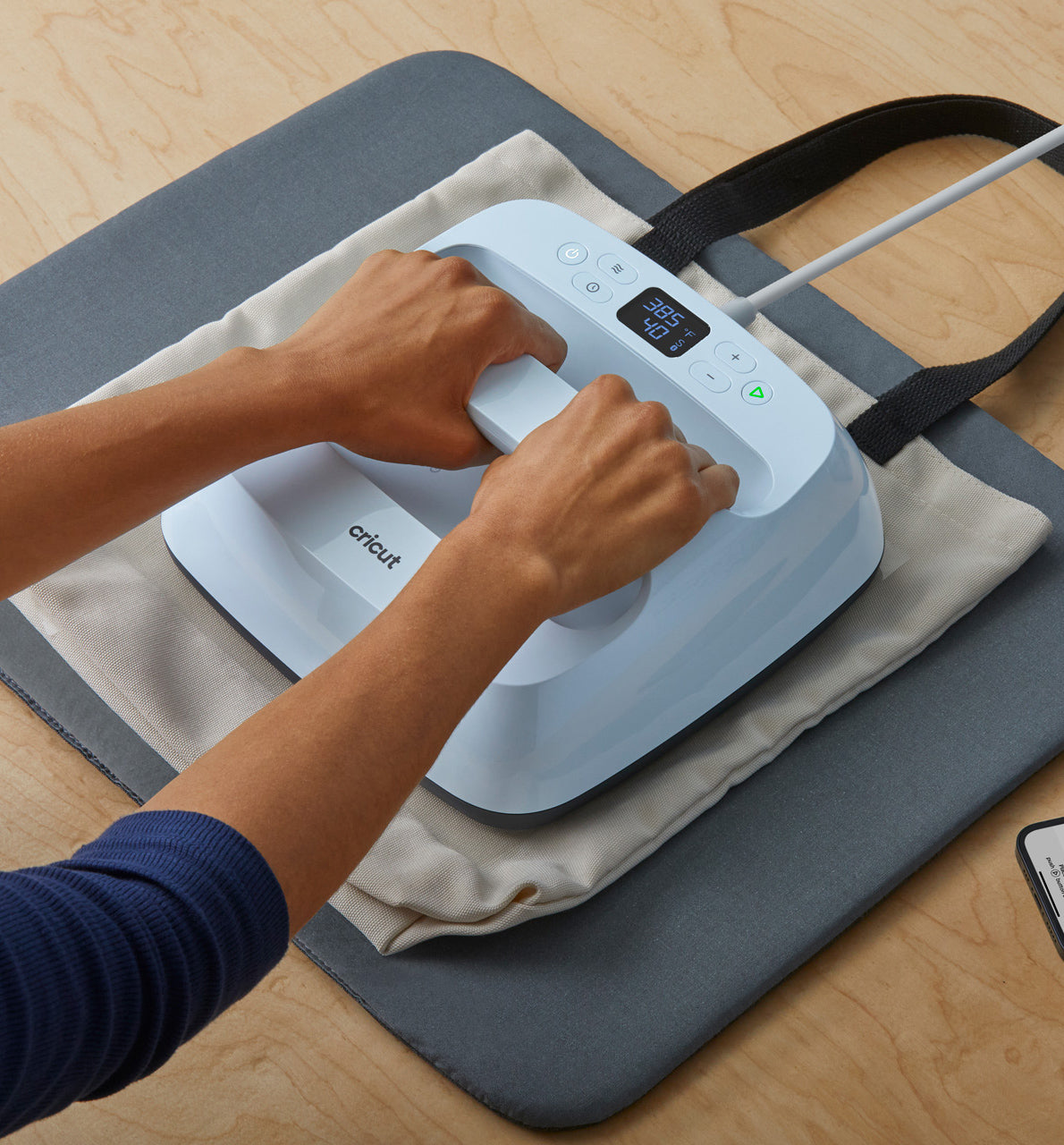
Set to 300°F (149°C) with medium pressure (6–7). Press for 10–15 seconds.
Let it cool to warm or fully cold, then peel the PET film in a steady motion.

Cover with a Teflon sheet (shiny finish) or parchment paper (matte finish) and press again at 300°F for 7–10 seconds.
Join our email list for exclusive offers and the latest news.